
Alienware Monitor
Alienware 32 4K QD-OLED Gaming Monitor AW3225QF
- 31.6"
- 3840 × 2160
- 240 Hz
$749.99Setuplify score: 9.0/10
Gaming, office and colour-accurate monitors, filterable by size, resolution, refresh rate and panel type. Start with the size your desk can take, then pick the refresh rate your PC can actually feed.
28 products
Alienware Monitor

Alienware Monitor

Dell Monitor


Samsung Monitor

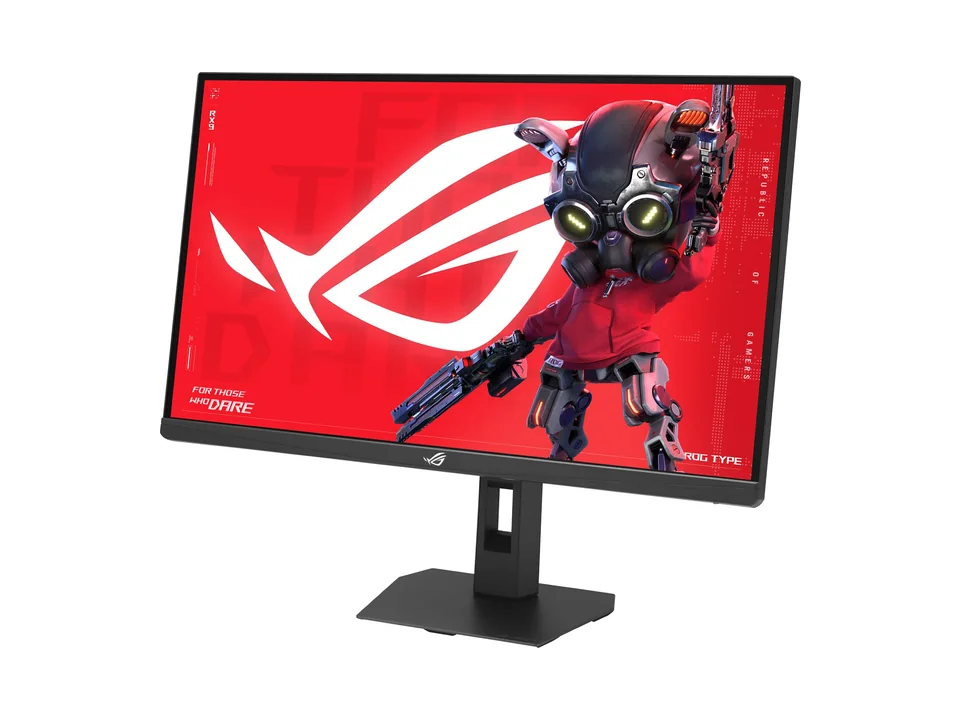


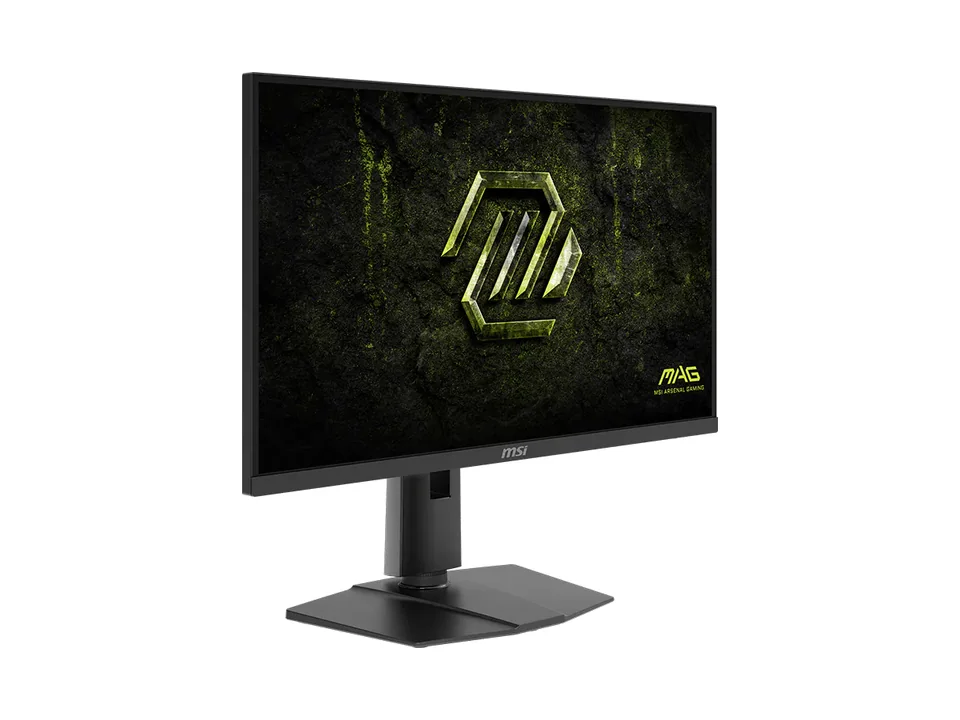

Dell Monitor


Samsung Monitor

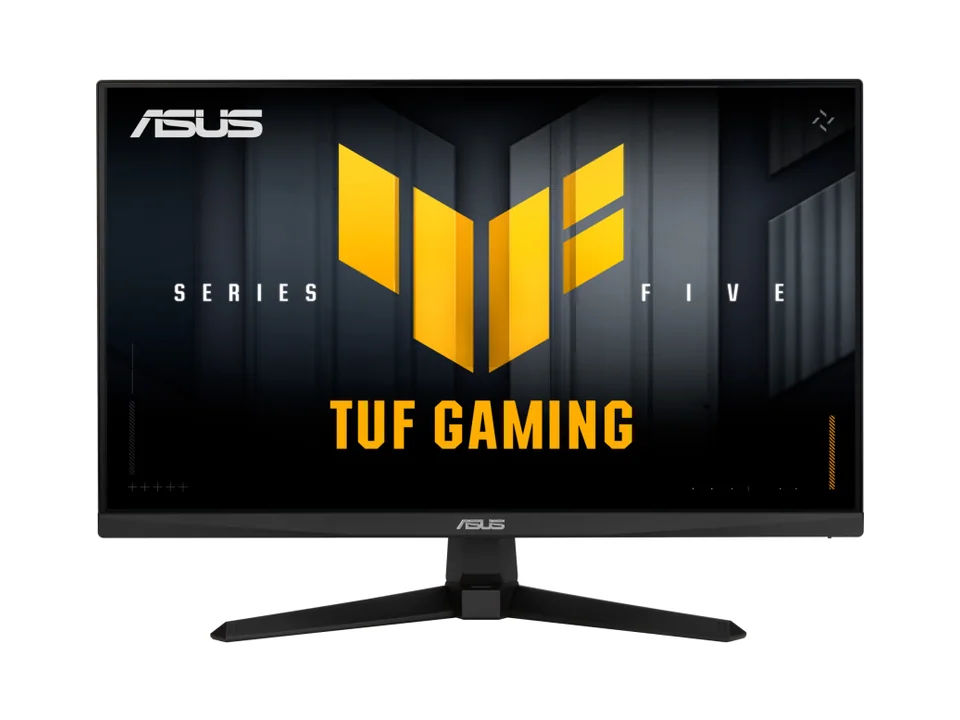


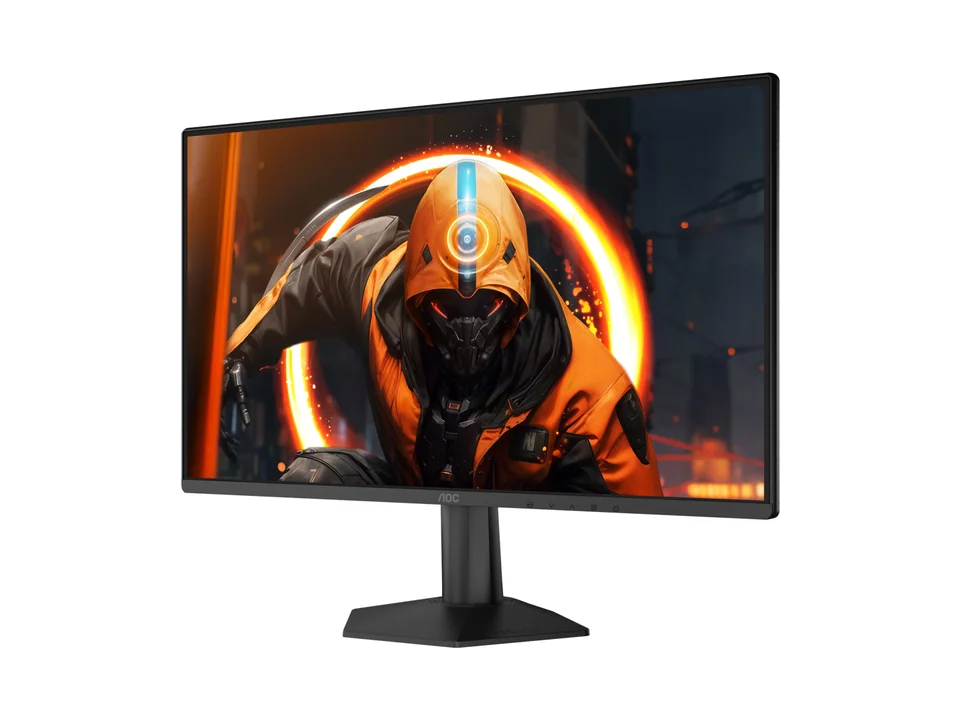
AOC Monitor

Our guides for choosing monitors.
Best of 7 min read
Affordable work monitors that get the basics right: an adjustable stand, sharp enough text and the right ports for your laptop, with white options for light desks.
Explainer 7 min read
What refresh rate really changes, why your graphics card decides how much of it you see, when 240 or 320 Hz is worth it, and what dual-mode 4K and 5K screens do.
Explainer 3 min read
Why OLED and QD-OLED screens look so good, what burn-in really means, the simple habits that prevent it, and the OLED monitors we recommend today.
Best of 5 min read
One pick per type of player: all-rounder, budget 1440p, first setup, white desk, 4K, ultrawide and sim racing. What each does well and who should skip it.
It depends on your viewing distance. Around 50 to 60 cm suits 24 inches, 60 to 80 cm suits 27 inches, and deeper desks can take 32 inches or a 34-inch ultrawide.
Only with a powerful graphics card. For most players, 1440p at a high refresh rate gives a better experience than 4K at lower frame rates.
Curves help on ultrawides of 34 inches and more by keeping the edges at a comfortable distance. At 27 inches and below, it is mostly a matter of taste.