
Medium room, Minimal
Night Shift Dev
$4,6449 of 10 parts sold here
10 components
Medium room, MinimalA curved ultrawide, a vertical screen and a split keyboard for long coding nights.
Programming rewards vertical space, sharp text and a keyboard you can type on all day. These setups pair ultrawide and rotated screens with split or low-profile keyboards and desks that let you change position.
Real desks planned for this use. Open one to see every part.
Medium room, Minimal
10 components
Medium room, MinimalA curved ultrawide, a vertical screen and a split keyboard for long coding nights.

Medium room, Minimal
A calm home office in bamboo and felt, built for long days of video calls and focused work.
10 components
Ranked by how well they fit this use, then by our editorial score.


Apple Desktop computer


Herman Miller Desk


Tell the Setup Builder your budget, room and style. It picks every part for this use, explains each choice and shows what to upgrade next.
Open the builder for programming
Best of 8 min read
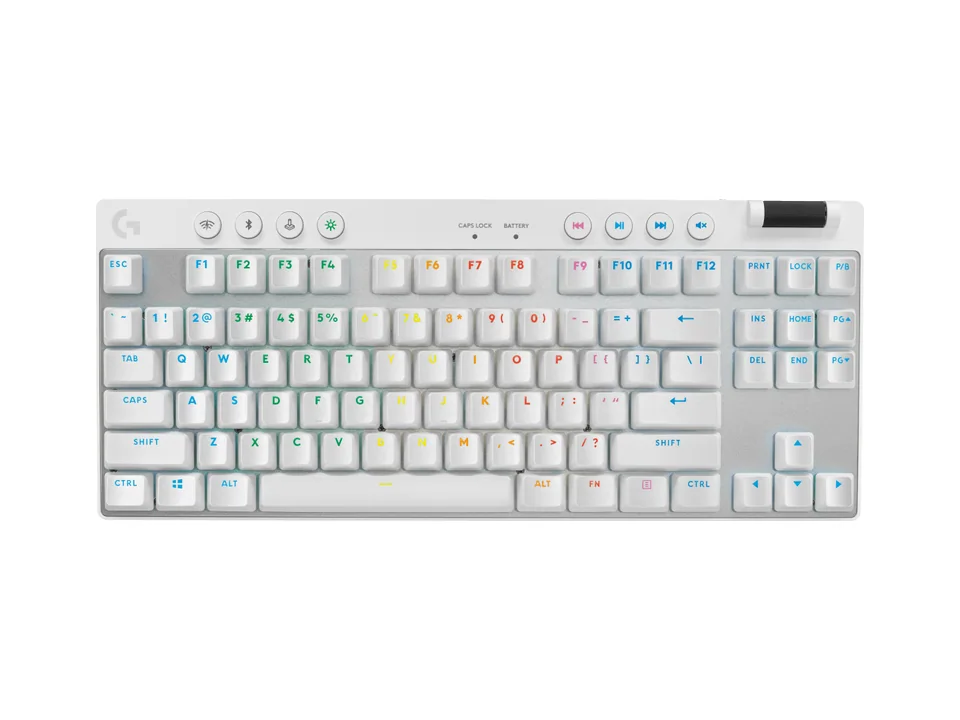
Compact keyboards for work and games, from a 60% esports board to wireless TKLs: a thin mechanical all-rounder, two Logitech office minis, a cheap Bluetooth board and gaming picks in every size.
Explainer 7 min read
What each keyboard size keeps and drops, how wide each one really is on the desk, and which size suits gaming, office work, coding and small desks, with a real keyboard for each.

Explainer 3 min read
How magnetic and analog switches work, what adjustable actuation and Rapid Trigger actually do in a game, how Snap Tap differs, and who should pay for one.

Best of 4 min read
Keyboards for long workdays: the quiet office standard, a cushioned ergonomic board, a compact for small desks, a quiet mechanical for calls, a premium mechanical for programmers and a thin wireless board that also games.
Sharp text matters most. A 27-inch 4K screen, an ultrawide for side-by-side files, or a pair where one screen rotates to portrait for long files all work well.
If you type all day or feel wrist or shoulder strain, a split or low-profile keyboard is one of the most effective changes you can make.
Use a dock or a monitor with a USB-C hub. One cable then carries display, peripherals, network and often charging.