
Medium room, Minimal
Signal Noir
$4,3188 of 9 parts sold here
9 components
Medium room, MinimalA black OLED gaming desk where a single green line of light sets the mood.
A gaming setup starts with a PC and monitor that match each other, then a mouse and mat that suit how you aim. Everything else, from the chair to the lighting, should make long sessions comfortable rather than just look good on camera.
Real desks planned for this use. Open one to see every part.
Medium room, Minimal
9 components
Medium room, MinimalA black OLED gaming desk where a single green line of light sets the mood.

Medium room, White
All-white gaming hardware on a white sit/stand desk, washed in pink and sky blue.
8 components

Large room, Black
Two screens, a broadcast mic and a key light: a black desk built to go live.
12 components

Medium room, Minimal
A competitive shooter desk: Rapid Trigger keyboard, 240 Hz OLED and a huge pad.
9 components

Medium room, Cozy
Bamboo, warm lamplight and a 34-inch OLED: a cozy desk for work days and gaming nights.
8 components

8 components

Small room, Black
A full gaming setup in a bedroom corner, between the bed and the door.
7 components

10 components

Small room, Black
A full 1080p gaming desk at entry-level money, with a 320 Hz screen and RGB everywhere it is free.
8 components

Medium room, Minimal
An all-white streaming desk where the camera, the light and the microphone are as considered as the PC.
11 components
Ranked by how well they fit this use, then by our editorial score.


Alienware Monitor

SteelSeries Headset


Herman Miller Chair
Tell the Setup Builder your budget, room and style. It picks every part for this use, explains each choice and shows what to upgrade next.
Open the builder for gaming
Explainer 3 min read
Is a wireless gaming mouse as fast as a wired one? What actually differs in latency, weight, battery and price, with budget and premium picks on both sides.

Best of 7 min read
The cheapest prebuilt gaming towers worth buying today, market by market, with the Windows licence, RAM and power supply traps that change the real price.
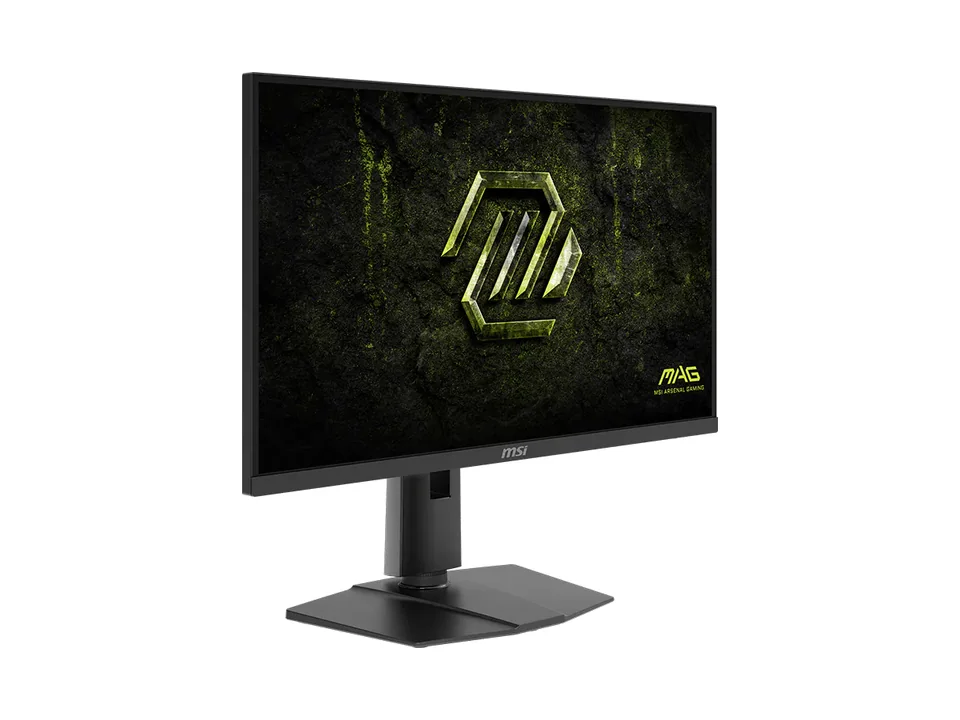
Explainer 7 min read
What refresh rate really changes, why your graphics card decides how much of it you see, when 240 or 320 Hz is worth it, and what dual-mode 4K and 5K screens do.

Best of 7 min read
Eight cheap gaming mice on sale today, wired and wireless: an esports shape on an AA battery, a light tri-mode mouse, the cheapest Logitech G, an MMO mouse with 11 buttons and two ergonomic shapes.
A PC and monitor that match each other, a mouse and surface you can aim with, and a chair you can sit in for hours. Lighting and looks come after.
For long sessions, a mesh office chair usually offers better adjustment and airflow. Gaming chairs suit people who like a high back to lean into and the racing look.
Around 144 Hz is the big step up from 60 Hz and suits most games. Competitive players benefit from higher rates if their PC can produce the frames.