 Cheaper
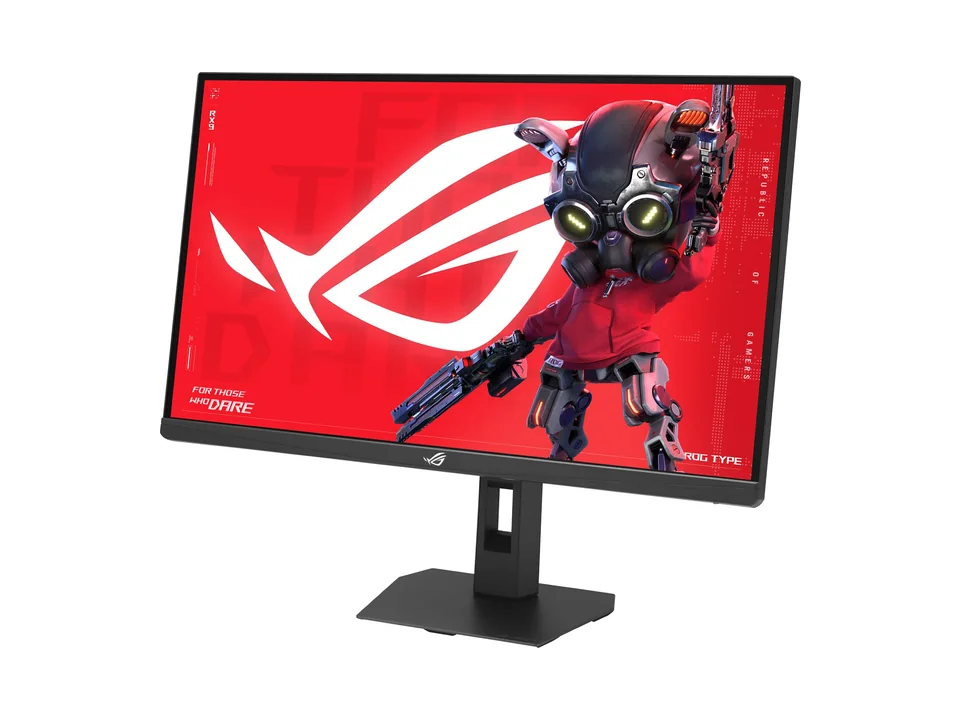
ASUS ROG Strix XG27UCG Gen2 (XG27UCGR)
A sharp 4K gaming screen with a fast 1080p mode, at a price well below 4K OLED.
- Setuplify score
- Setuplify score: 8.2/10
- Value score
- Value score: 8.4/10
- Best for
- 4K gaming and sharp text on one screen
Price
$399at ASUS eShopIn stock
We may earn a commission when you buy through our links, at no extra cost to you. How we make money
What we like
- 4K at 162 Hz on a 27-inch Fast IPS panel
- 1080p 485 Hz dual mode for esports
- HDMI 2.1 for consoles and USB-C video input
- Crisp 163 ppi for work and photos
What to know
- USB-C only supplies 15 W
- No height adjustment listed for the stand
- 4K at high frame rates needs a powerful GPU
Specifications
| Screen size | 27" |
|---|---|
| Resolution | 3840 × 2160 |
| Refresh rate | 162 Hz |
| Panel | IPS |
| Response time (GtG) | 0.3 ms |
| Curved | No |
| Adaptive sync | Yes |
| HDR | DisplayHDR 400 |
| Ports | DisplayPort 1.4, HDMI 2.1, USB-C (DisplayPort Alt Mode, 15 W), Headphone out |
| USB-C with power | No |
| Model number | XG27UCGR |
About the ASUS ROG Strix XG27UCG Gen2 (XG27UCGR)
The XG27UCGR (the second generation of the XG27UCG) is our pick for 4K gaming without OLED prices. Its 27-inch Fast IPS panel shows 3840 x 2160 at up to 162 Hz, with a 1 ms (GtG) response time (0.3 ms minimum), 95% DCI-P3 and DisplayHDR 400. A dual mode drops the picture to 1080p at up to 485 Hz for competitive shooters, from the same screen.
At 163 pixels per inch, text and photos look crisp, which makes it a good screen for work too. You get DisplayPort 1.4, HDMI 2.1 for a console at 4K 120 Hz, and a USB-C port that carries video from a laptop but only supplies 15 W, not enough to charge it. The stand tilts and swivels but ASUS lists no height adjustment, and 4K at high frame rates asks for a strong graphics card.
Alternatives worth a look
Cheaper, better or just different: the products we would weigh against this one.
- Cheaper
 Step up
 Step up
 Similar
Guides that cover it

Best of 5 min read
The best gaming monitors for every kind of player
One pick per type of player: all-rounder, budget 1440p, first setup, white desk, 4K, ultrawide and sim racing. What each does well and who should skip it.
Explainer 7 min read
Monitor refresh rate explained: 144, 180, 240 or 320 Hz?
What refresh rate really changes, why your graphics card decides how much of it you see, when 240 or 320 Hz is worth it, and what dual-mode 4K and 5K screens do.