ASUS ROG Strix XG27UCGR vs ROG Strix 5K XG27JCG: 4K or 5K?
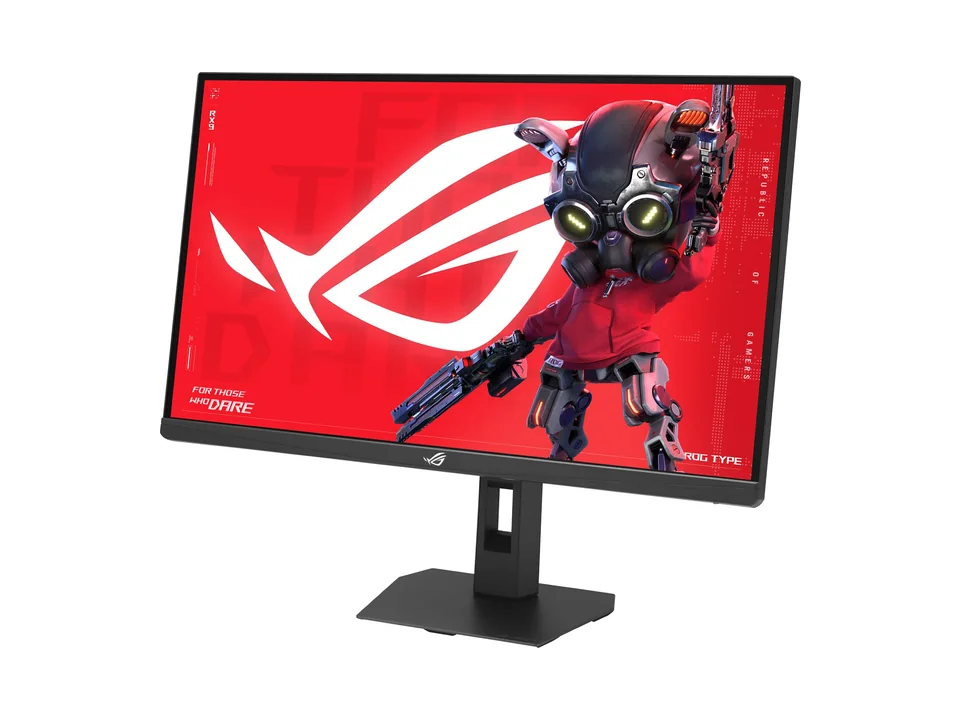
Two 27-inch ASUS Fast IPS monitors for people who work and play on the same screen. The XG27UCGR is 4K at 162 Hz with a 1080p 485 Hz mode; the XG27JCG is 5K at 180 Hz with a 1440p 330 Hz mode, DisplayHDR 600 and a USB hub, for nearly twice the price. Both are sold in the US and in France.
Some links on this page are affiliate links: we may earn a commission, at no extra cost to you. How we make money
Spec by spec
| Spec | ||
|---|---|---|
| Screen size | 27" | 27" |
| Resolution | 3840 × 2160 | 5120 × 2880 |
| Refresh rate | 162 Hz | 180 Hz(Best in this row) |
| Panel | IPS | IPS |
| Response time (GtG) | 0.3 ms | 0.3 ms |
| Curved | No | No |
| Adaptive sync | Yes | Yes |
| HDR | DisplayHDR 400 | DisplayHDR 600 |
| Ports | DisplayPort 1.4, HDMI 2.1, USB-C (DisplayPort Alt Mode, 15 W), Headphone out | DisplayPort 1.4 (DSC), HDMI 2.1 x2, USB-C (DisplayPort Alt Mode, 15 W), USB-A 5 Gbps x3, Headphone out |
| USB-C with power | No | No |
| Price | $399(Best in this row) | $789 |
| Setuplify score | Setuplify score: 8.2/10 | Setuplify score: 8.5/10(Best in this row) |
| Value score | Value score: 8.4/10(Best in this row) | Value score: 7.6/10 |

Highlighted values are the best of the row. Prices are for United States.
Where each one wins
ASUS ROG Strix XG27UCG Gen2 (XG27UCGR)
Best value
4K gaming and sharp text on one screen
- Wins on
- Price, Value score
- Falls behind on
- Refresh rate, Setuplify score
ASUS ROG Strix 5K XG27JCG
Our pick overall
Creative work and gaming on one very sharp screen
- Wins on
- Refresh rate, Setuplify score
- Falls behind on
- Price, Value score
Who should buy which
Pick the XG27UCGR if gaming comes first and work second: 4K at 163 pixels per inch already makes text crisp, 162 Hz is all most graphics cards can feed at 4K anyway, and the 1080p 485 Hz mode suits competitive shooters. Its single HDMI 2.1 takes a console at 4K 120 Hz. Pick the XG27JCG if you spend your days on text, photos or a Mac: 5K at 218 pixels per inch lets macOS use a perfect 2x scale, and you get DisplayHDR 600, 97% DCI-P3, two HDMI 2.1 ports and a three-port USB-A hub. In games it will mostly run in its 1440p 330 Hz mode or with upscaling, since no graphics card holds 5K at high frame rates in recent titles. On both, the USB-C input carries video but only 15 W, so a laptop keeps its charger, and ASUS lists tilt and swivel but no height adjustment for the stand.
Also worth a look
Other monitors we rate that sit close to these two.

Alienware Monitor
Alienware 32 4K QD-OLED Gaming Monitor AW3225QF
- 31.6"
- 3840 × 2160
- 240 Hz
$749.99Setuplify score: 9.0/10
Alienware Monitor
Alienware 34 280Hz QD-OLED Gaming Monitor AW3426DW
- 34"
- 3440 × 1440
- 280 Hz
$649.99Setuplify score: 8.8/10
Dell Monitor
Dell UltraSharp 27 4K Thunderbolt Hub Monitor U2725QE
- 27"
- 3840 × 2160
- 120 Hz
$849.99Setuplify score: 8.8/10
Questions people ask
Is 5K worth it over 4K on a 27-inch monitor?
For a Mac or for photo work, often yes: 5K at 27 inches gives 218 pixels per inch and lets macOS use a sharp 2x scale. For Windows and gaming, 4K at 163 pixels per inch is already very sharp, and the XG27UCGR costs much less.
Can either of them charge a laptop over USB-C?
Not really. Both USB-C inputs carry video with DisplayPort Alt Mode but supply only 15 W, so a laptop still needs its own charger.
Can a graphics card run games at 5K and 180 Hz?
Not in recent games. That is why the XG27JCG has a 1440p 330 Hz mode: you play at 1440p or with upscaling, and keep 5K for work, photos and video.