Buying guide4 min read
Monitor size and resolution: what fits your desk and your PC
24, 27, 32 or 34 inches? 1080p, 1440p or 4K? How desk depth, pixel density and your graphics card decide the right screen, with one pick for each size.
By Setuplify Lab

Some links on this page are affiliate links: we may earn a commission, at no extra cost to you. It never changes our picks. How we make money
Picking a monitor size is not about bigger being better. Three things decide it together: how far you sit from the screen, how sharp you want text and images, and how many pixels your graphics card can push. Get one of them wrong and you end up with a screen that feels too close, looks blurry or makes your games stutter.
Here is the short answer for most desks:
- 24 inches, 1080p: small or shallow desks, first gaming setups, competitive players who sit close.
- 27 inches, 1440p: the sweet spot for gaming and general use on a standard desk.
- 27 inches, 4K: the sharpest text for office work and photos.
- 27 inches, 5K: even sharper, made for Macs and photo work.
- 32 inches, 1440p: a big screen on a budget, if you sit a little further back.
- 32 inches, 4K: big, immersive gaming with a high-end PC, or two documents side by side.
- 34 inches ultrawide, 3440 x 1440: multitasking, coding and racing games.
- 49 inches, 5120 x 1440: sim cockpits and two screens in one, on a wide desk.
Interactive
Every resolution, drawn to pixel scale
Each frame holds the real number of pixels, all at the same scale. Pick one to see what it asks of your graphics card and where it looks sharp.
Dashed tiles: one 1080p screen each
1440p
QHD
The sweet spot: clearly sharper than 1080p on a 27-inch screen, still easy to run fast.
Pixels
2,560 × 1,440
3.7 million
Graphics card load
1.8x the pixels
Versus 1080p
Graphics card for fast gaming
RTX 5070
Pixel density by screen size
Pixel density: why 1080p looks soft at 27 inches
Resolution alone does not tell you how sharp a screen looks. What matters is pixel density, in pixels per inch (ppi): the same number of pixels stretched over a bigger panel looks softer.
- 24-inch 1080p: about 92 ppi.
- 27-inch 1440p: about 109 ppi.
- 34-inch 3440 x 1440: about 110 ppi.
- 49-inch 5120 x 1440: about 109 ppi.
- 32-inch 1440p: about 92 ppi.
- 32-inch 4K: about 140 ppi.
- 27-inch 4K: about 163 ppi.
- 27-inch 5K: about 218 ppi.
Around 110 ppi is a comfortable level at a normal desk distance: that is why 27-inch 1440p, 34-inch ultrawides and the 49-inch super ultrawide all feel equally sharp. 1080p at 27 inches drops to about 82 ppi, where text starts to look fuzzy, which is why we only recommend 1080p at 24 inches. At 163 ppi, a 27-inch 4K screen shows text close to print quality, but you will use 150% scaling in Windows to keep it readable, so you gain sharpness rather than space.
Two more cases. A 32-inch 1440p screen drops to about 92 ppi, the same as a 24-inch 1080p one: fine for games and films from a bit further back, average for small text. And 5K at 27 inches (218 ppi) is exactly twice 1440p in each direction, so macOS shows it at a perfect 2x scale: the sharpest text you can get on a desk, at a price.
Interactive
Screen sizes at real scale
Every outline uses the same scale. Pick a size and a resolution to see the real dimensions, how much of your view it fills and how sharp text looks.
Ruler: 5 in per tick
27″ 1440p
The standard desk size: 1440p for gaming, 4K or 5K for sharp text.
Width
23.5 in
Height
13.2 in
Screen area
1.3x a 24-inch
Desk depth
28 in or more
109 ppiSharp
Sharp at desk distance: the comfortable target.
Field of view
46° Fills your view without turning your head.
Viewing distance and desk depth
A screen should fill your view without making you turn your head. As a rule of thumb, sit about an arm's length away from a 24 or 27-inch screen, and a bit further from a 32-inch one.
- Desk under 60 cm deep: stay at 24 inches, or 27 inches on a monitor arm that pushes the screen to the back edge.
- Desk 70 to 80 cm deep: 27 or 32 inches, or a 34-inch ultrawide.
- Ultrawides need width more than depth. The Alienware AW3426DW is about 81 cm wide with its stand, the Samsung Odyssey OLED G9 about 1.2 m.
Competitive players often prefer a smaller screen even on a big desk, because the whole image stays inside central vision. Working in a tight space? Our small room setup shows how to fit a full desk into it.
Height matters as much as size. The top edge of the screen should sit at or slightly below eye level. Bigger screens push that edge up, so on a 32-inch or a tall ultrawide, lower the stand fully or use a monitor arm to avoid tilting your head back.
Resolution and your graphics card
Every step up in resolution multiplies the work for your graphics card:
- 1440p has about 1.8 times the pixels of 1080p.
- 4K has 2.25 times the pixels of 1440p.
- A 3440 x 1440 ultrawide has about 1.3 times the pixels of 1440p, and a 5120 x 1440 super ultrawide exactly twice.
In practice: an RTX 5050 or RTX 5060 suits 1080p, an RTX 5070 suits 1440p and most ultrawides, and 4K at high refresh wants an RTX 5080 or DLSS. A laptop or a Mac mini is fine on a 4K office screen, since documents and code need very little GPU power. Our gaming PC guide lines up every tower with its resolution.
Refresh rate goes with resolution
A 240 Hz monitor only helps if your PC produces close to 240 frames per second. That is easy at 1080p and 1440p in esports games, and much harder at 4K in demanding titles. If your PC is mid-range, a 1440p screen at a high refresh rate is usually a better buy than a 4K screen at the same price. Our refresh rate explainer goes through each step from 144 to 320 Hz, and the dual-mode screens that switch between 4K and a faster 1080p.
Our picks by size
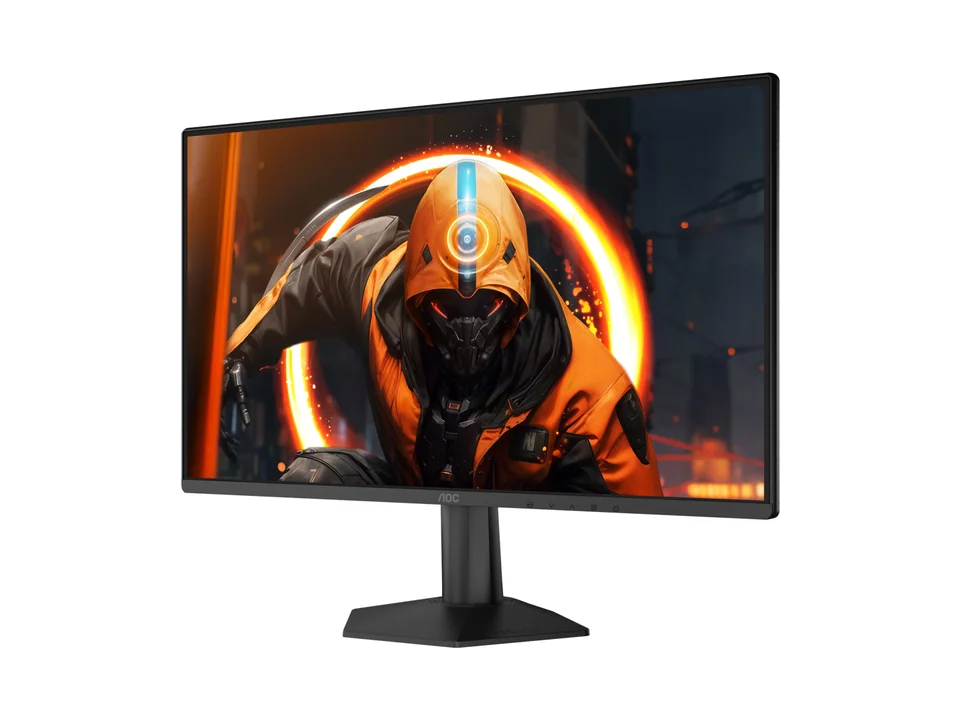
24 inches, 1080p: the AOC 24G50F reaches 180 Hz in overclock mode and any recent graphics card can feed it. Sold in France only.
27 inches, 1440p: the ASUS TUF Gaming VG27AQ5A is the budget route (210 Hz, France only); the LG UltraGear 27GX704A-B is the OLED upgrade at 240 Hz, sold in both markets.
AOC Monitor
AOC Gaming 24G50F
- 23.8"
- 1920 × 1080
- 180 Hz

27 inches, 4K: the Dell 27 Plus S2725QC gives 163 ppi for work, 120 Hz and one-cable USB-C for laptops.
27 inches, 5K: the ASUS ROG Strix 5K XG27JCG runs 5K at 180 Hz for work, with a 1440p 330 Hz mode for games.
32 inches, 1440p: the Samsung Odyssey G5 G50F is the cheapest big flat 1440p screen we list, at 180 Hz with a fully adjustable stand.
32 inches, 4K: the Alienware AW3225QF is a curved QD-OLED at 240 Hz for high-end PCs and consoles. For work and films, the white Dell 32 Plus S3225QS gives 4K at 120 Hz for much less.
34 inches, ultrawide: the Dell 34 Plus S3425DW for coding and multitasking, or the Alienware AW3426DW QD-OLED for gaming at up to 280 Hz.
49 inches: the Samsung Odyssey OLED G9 G91SD, at 144 Hz, which is easier for a graphics card to feed at this width.


Alienware Monitor
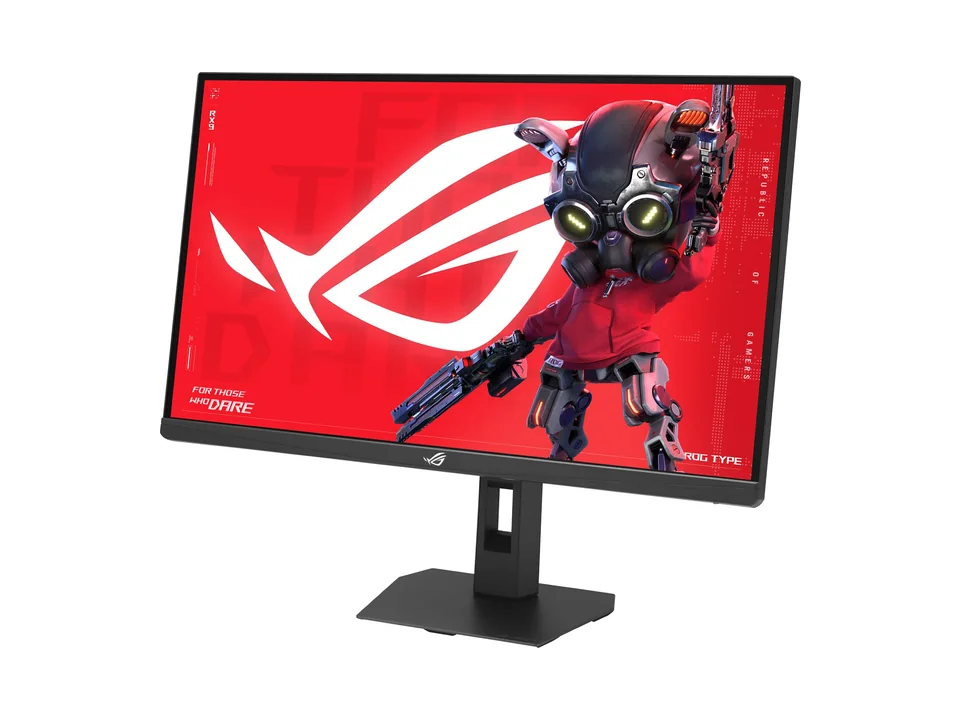
Alienware 32 4K QD-OLED Gaming Monitor AW3225QF
- 31.6"
- 3840 × 2160
- 240 Hz



Summary
Match the size to your desk, the resolution to the size (about 110 ppi or more), and the refresh rate to your graphics card. For gaming picks, see our best gaming monitors; for office screens, our best monitors for work or, on a budget, our cheap work monitors. You can also browse all monitors or try a screen on a virtual desk in the Setup Builder.
Written by
Setuplify Lab, Editorial team
The Setuplify team builds, photographs and takes apart desk setups so you can pick parts with confidence.
Keep reading
Best of 5 min read
The best gaming monitors for every kind of player
One pick per type of player: all-rounder, budget 1440p, first setup, white desk, 4K, ultrawide and sim racing. What each does well and who should skip it.
Best of 4 min read
The best monitors for work, coding and creative jobs
Sharp 4K for text, one-cable USB-C for laptops, an ultrawide for coding and a calibrated screen for photos: the work monitors we recommend, and who each one suits.
Explainer 7 min read
Monitor refresh rate explained: 144, 180, 240 or 320 Hz?
What refresh rate really changes, why your graphics card decides how much of it you see, when 240 or 320 Hz is worth it, and what dual-mode 4K and 5K screens do.

Best of 7 min read
The best cheap monitors for work and the home office
Affordable work monitors that get the basics right: an adjustable stand, sharp enough text and the right ports for your laptop, with white options for light desks.

Buying guide 5 min read
How to choose a gaming PC: GPU, RAM, storage and the traps to avoid
Start from your monitor, then pick the graphics card, RAM, storage and case. A step-by-step guide with real examples, including the Windows licence trap.
Questions people ask
Is 27 inches too big for 1080p?
Yes for most people. 1080p at 27 inches works out to about 82 pixels per inch, and text looks fuzzy at a normal desk distance. Keep 1080p for 24-inch screens and choose 1440p or 4K at 27 inches.
What monitor size fits a shallow desk?
On a desk under 60 cm deep, a 24-inch screen is the comfortable choice. A 27-inch screen works too if you mount it on a monitor arm and push it to the back edge of the desk.