 Cheaper
FlexiSpot Cable organiser
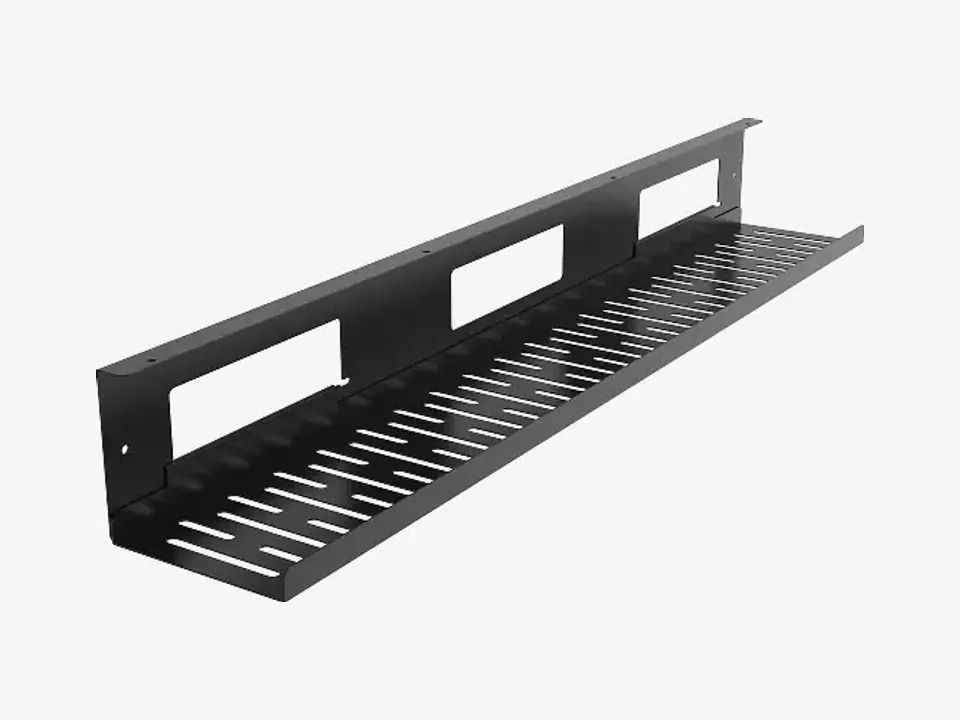
FlexiSpot Cable Management Tray CMP051 (80 cm, Black)
- Under-desk tray
$44.99Setuplify score: 7.6/10

The sturdiest way to hide a power strip and a mess of cables under a wide desk, at a premium price.
In stock
We may earn a commission when you buy through our links, at no extra cost to you. How we make money
| Type | Under-desk tray |
|---|---|
| Length | 1,000 mm |
| Tool-free install | No |
| Model number | 1808STLBL |
Oakywood's under-desk tray is a 1.5 mm powder-coated steel channel, 100 cm long, 15.5 cm wide and 10 cm deep, big enough for a power strip and large laptop or monitor adapters. Its bracket has a simple gravity lock: you swing the tray down to add or move a cable, then close it and everything disappears under the desktop. It hangs 1 cm under the top, so it works on desks with or without grommets.
The Large size needs at least 10 x 100 cm of flat surface under the desk and suits standing desks from 124 cm wide or fixed desks from 140 cm. It screws into the desktop, comes with a five-year warranty and costs several times more than basic wire trays.
Cheaper, better or just different: the products we would weigh against this one.
CheaperFlexiSpot Cable organiser
 Cheaper
IKEA Cable organiser
 Cheaper
Secretlab Cable organiser
How to 5 min read
Get the power strip off the floor, route every cable along one path and cut the cables to your laptop down to one, with cheap IKEA parts and a few smart upgrades.

Setup guide 8 min read
Plug in one USB-C cable and get your monitors, keyboard, network and charging: which dock fits your laptop, how to raise or park the laptop, and where to hide the rest.